Websites and full-stack development for associations
Washington DC Metro
iMIS SSO Plugin for WordPress
Your members already have a login.
Let them use it.
Members sign in with the iMIS credentials they already have, and your WordPress website instantly knows who they are. Built on the OAuth SSO already included with iMIS EMS, installed and configured by us — usually live the same week you sign.
Most member frustration with an association website comes down to one thing: the site doesn’t know who they are. Members hit a members-only page and get a login form they don’t recognize. Staff field the password resets. Content that should feel like a benefit feels like a wall.
WHAT IT DOES
One plugin, four jobs
Sign in with iMIS
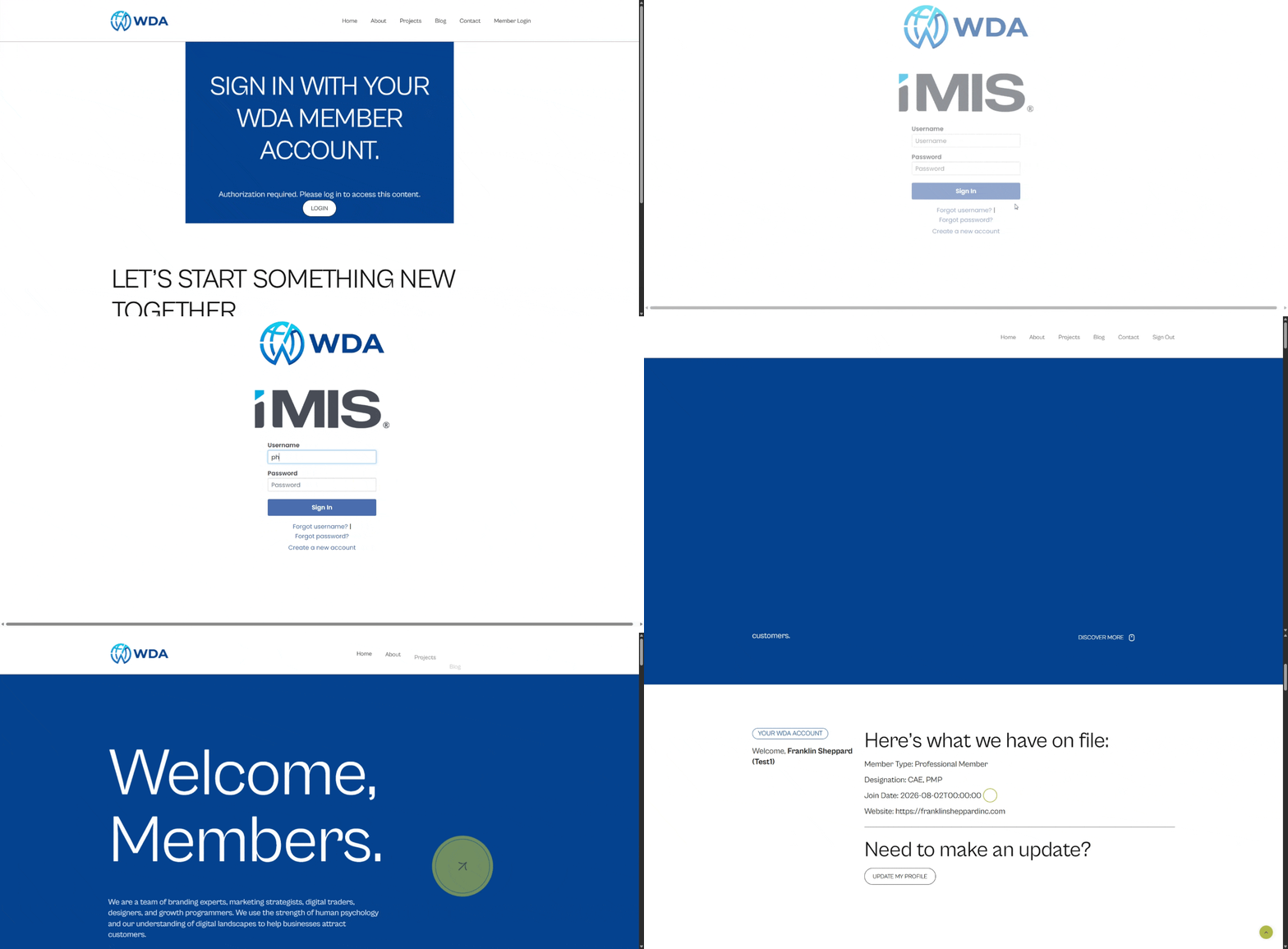
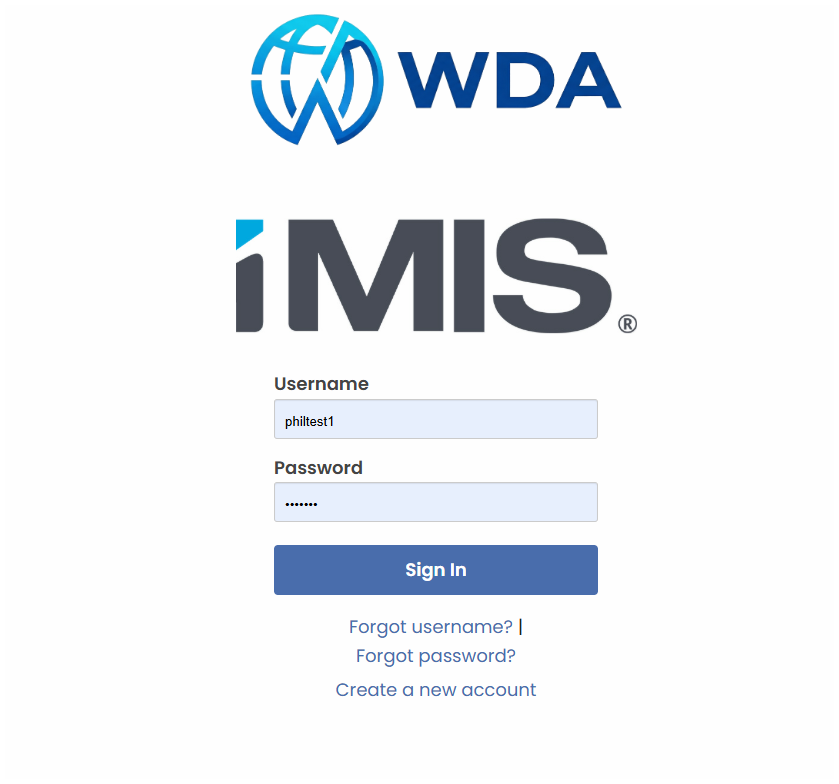
Members authenticate on the iMIS login page they already recognize — your logo, your branding. The plugin matches them to a WordPress account by email, name, or iMIS username — or creates one — then returns them to the exact page they wanted.
The member sees your association's branded iMIS login — no second set of credentials.
Secure what should be secured
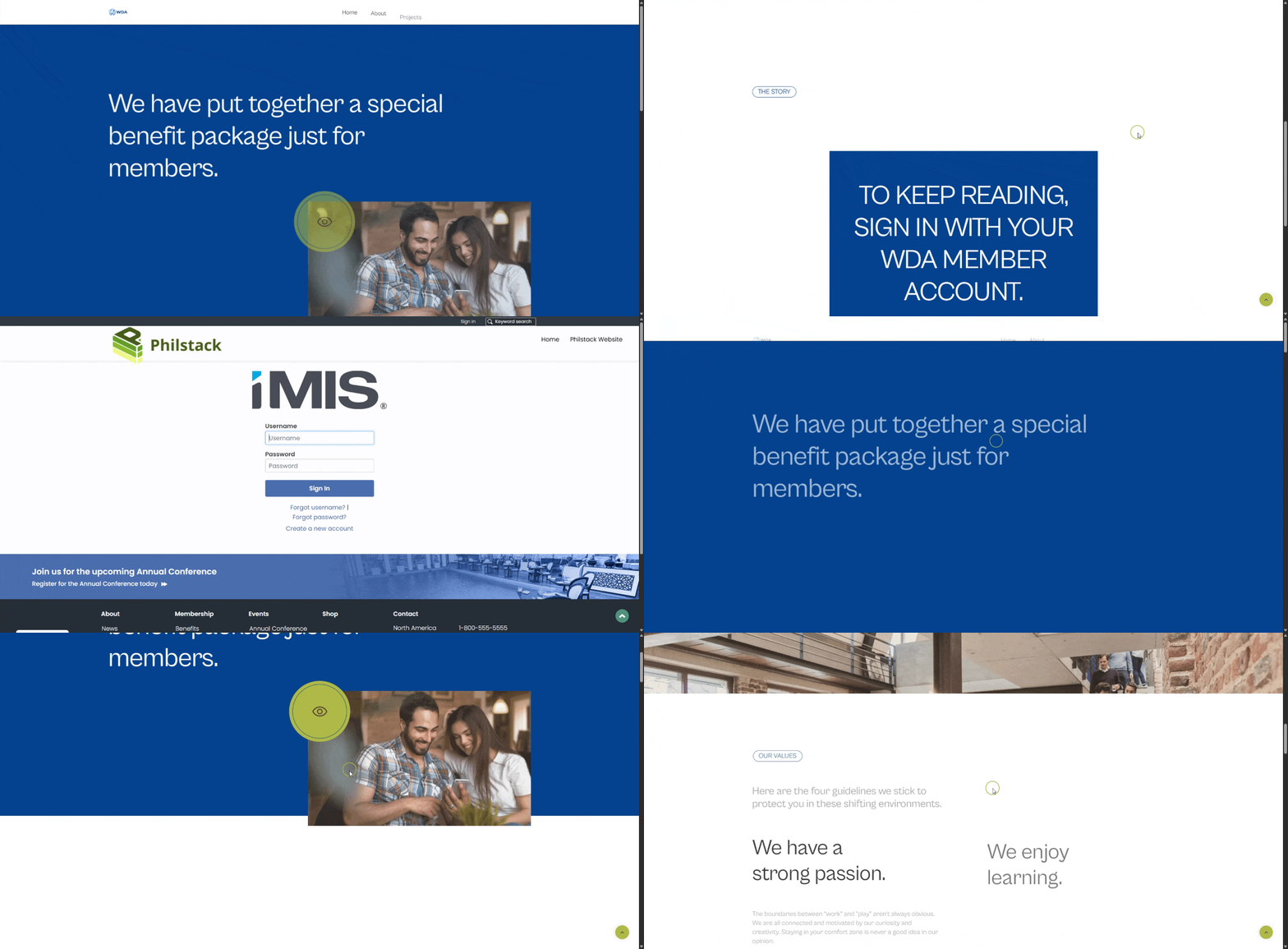
Lock pages, posts, custom post types, and media files to iMIS-driven roles. Show a public teaser above a paywall marker, and send anonymous visitors who request a secured document straight to the page where they can buy it.
Same page, two visitors: the member sees the benefit, everyone else sees the teaser.
Personalize with real member data
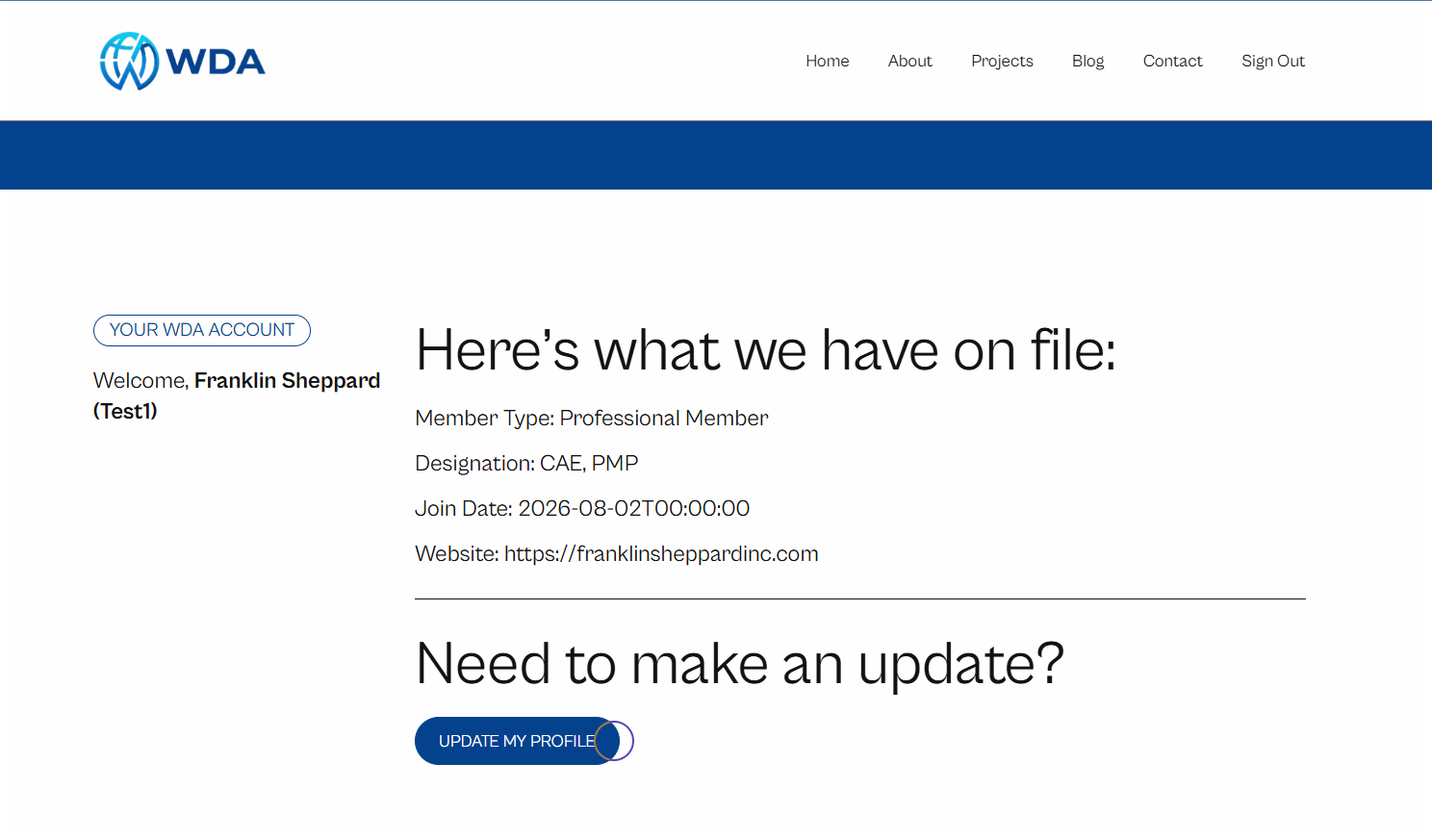
Any IQA column can be mapped to a WordPress field and dropped on a page with a shortcode. Committee assignments become roles automatically. Members who owe dues see a renewal button; everyone else doesn’t.
Member type, designations, join date — pulled live from iMIS on every login.
Stay in control
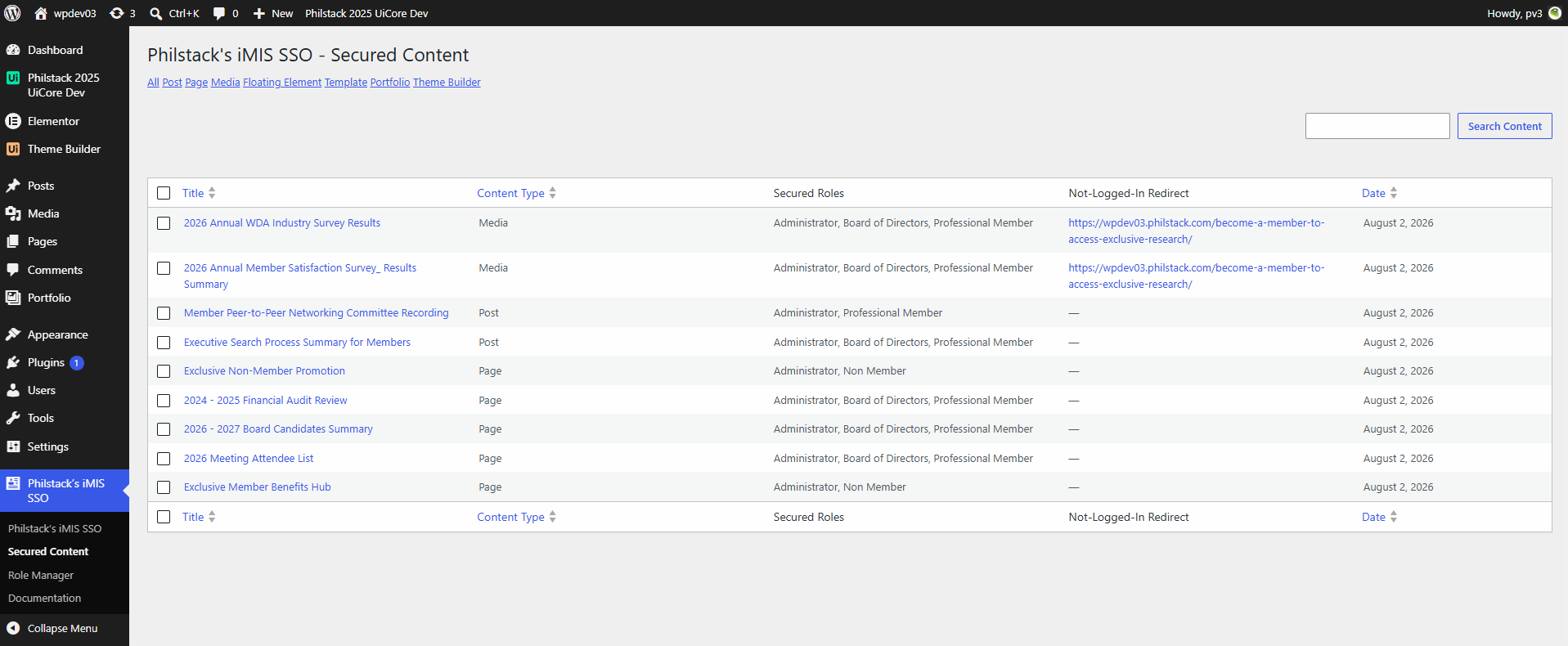
A Secured Content screen lists every page, post, and file under restriction, which roles can see it, and where anonymous visitors get sent instead — filterable by content type, sortable, searchable. A Role Manager screen lets staff safely add, rename, and delete roles.
Every restricted item in one place, with the roles and redirect that govern it.
BUILT FOR HOW ASSOCIATIONS ACTUALLY WORK
Most single sign-on tools stop at “this person is logged in.” Ours keeps going. Your IQA decides who counts as a member, who sits on which committee, and who’s due for renewal — and the website follows along on every login.
Need a new role six months after launch? Tell us and we’ll handle it. That’s part of the deal, not a change order.
SECURITY & REQUIREMENTS
OK, but is it secure?
Version numbers, requirements, and posture — the devil is in the details, and we’ve built it industry-grade from the ground up.
Single logout
Logging out of iMIS ends the WordPress session too, and vice versa. Requires iMIS 20.3.228 or newer.
Roles resync on every login
Access revoked in iMIS disappears from the website the next time the member signs in — no manual cleanup.
License never locks members out
License validation is cached with a 30-day grace period, so a network hiccup or WAF block on our end never stops a member from signing in.
I’d be glad to take a look at your setup before you commit to anything. Email me and we’ll find 30 minutes. Most sites are live the same week the contract is signed.